

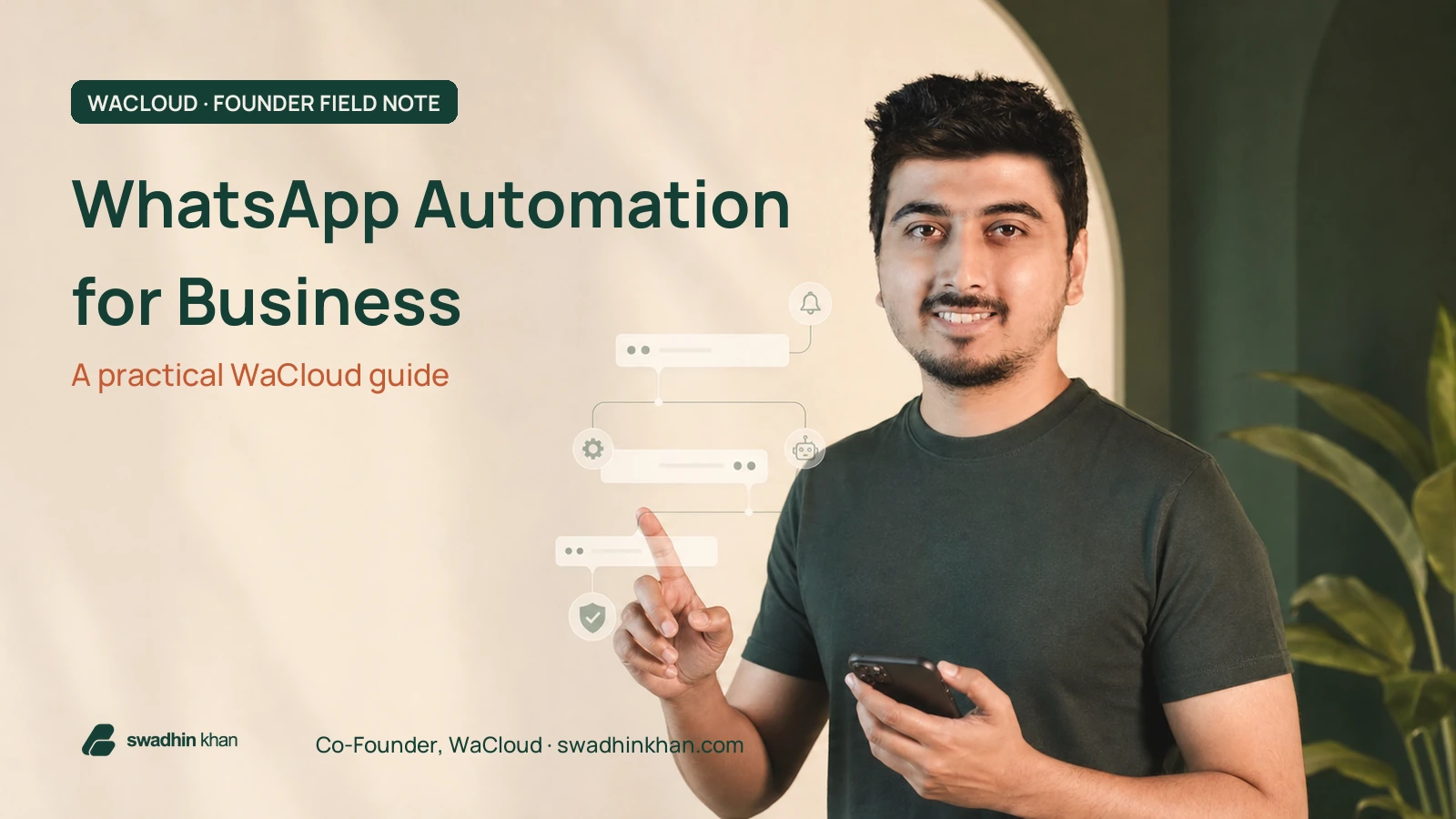
WhatsApp automation for business means connecting customer events—such as an order, login, appointment or payment—to timely WhatsApp messages without asking a team member to send each one manually. WaCloud brings those workflows together through reminders, notifications, campaigns, templates, APIs and webhooks.
Founder disclosure
I am a Co-Founder of WaCloud. This is a practical operator’s guide, not an independent review. Features and pricing can change, so confirm the current details on the official WaCloud website before choosing a plan.
The goal is not to automate every conversation. It is to remove predictable communication gaps while keeping consent, context and a clear path to a human. Used well, automation makes customer communication more consistent. Used carelessly, it becomes spam with better software.
What is WhatsApp automation for business?
WhatsApp automation for business uses rules, scheduled actions or API events to send and manage messages at the right moment. A customer action becomes the trigger; your business rule decides what should happen; WhatsApp delivers the message; and delivery data or replies return to your system.
| Business event | Automation | Customer outcome |
|---|---|---|
| New order | Send confirmation and order details | Immediate reassurance |
| Shipment update | Notify when status changes | Fewer ‘where is my order?’ questions |
| Upcoming appointment | Schedule a reminder | A clearer next step |
| Login or verification | Deliver a one-time password | Faster authentication |
| Payment or renewal | Send a relevant reminder | Less accidental delay |
| Support request | Route context to the right workflow | A more consistent response |
What WaCloud brings into one workspace
WaCloud is designed around four common business-message types: OTPs, reminders, notifications and promotions. The platform also exposes REST APIs and webhooks, so a website, CRM, ERP, SaaS product or ecommerce store can trigger a message from an actual business event.
| WaCloud capability | Useful for | Practical example |
|---|---|---|
| OTP delivery | Authentication | Send a login or account-verification code |
| Automated reminders | Appointments and deadlines | Remind a customer before a consultation |
| Instant notifications | Transactional updates | Confirm an order, payment or status change |
| Campaigns and templates | Permission-based outreach | Share a targeted update with an opted-in audience |
| API and webhooks | Custom integrations | Trigger messages from your own software |
| AI Reminders | Natural-language scheduling | Create a reminder from a WhatsApp message |

Five practical WaCloud workflows
1. Ecommerce order communication
Connect order events to confirmation, fulfillment, courier and delivery messages. The customer receives the context without needing to open a separate account dashboard, while the support team handles exceptions instead of repeating routine updates.
2. Appointment and service reminders
Schedule reminders for consultations, classes, renewals, maintenance or payment dates. Timezone and template discipline matter: the message should say what is happening, when it happens and what the recipient should do next.
3. OTP and account verification
Use a backend event to request a one-time password message through the API. Keep codes short-lived, avoid exposing sensitive account information and provide a fallback when the customer cannot receive the message.
You may also read
.bd ডোমেইন বাংলাদেশ: ব্যবহার, সুবিধা ও ভবিষ্যৎ সম্পূর্ণ কেস স্টাডি
BD domain Bangladesh guide for .bd domain usage, registration context, brand trust, local SEO value, and future digital opportunities.
4. Transactional notifications
Payment confirmations, subscription alerts and important account changes belong in a transactional workflow. These messages should be specific and expected; they are not an excuse to attach an unrelated promotion.
5. Permission-based campaigns
Campaigns can support launches, service updates and relevant offers when the audience has opted in. Segment first, keep the frequency reasonable and make opting out obvious. A smaller relevant list is more valuable than a large surprised one.
How to set up a reliable WaCloud automation
- Choose one measurable event. Start with a real gap such as missed appointments or unanswered order-status questions.
- Define the recipient and consent. Know who should receive the message and how permission was collected.
- Select the connection method. WaCloud supports connected-device workflows and Official API options in relevant areas; choose the route that fits your operational and policy requirements.
- Create a focused template. State the reason for the message, the essential context and one clear next action.
- Connect the trigger. Use the dashboard, an integration, REST API or webhook to connect the customer event to the message.
- Test the full path. Test success, delay, invalid numbers, duplicate events and the human escalation path.
- Monitor quality. Review delivery, replies, opt-outs, complaints and support impact—not only message volume.
Developers can start with the WaCloud API documentation, which shows authentication, a message endpoint and webhook-based scaling. Non-developers can begin with a single dashboard workflow and add integrations only after the message itself is useful.
Consent and compliance come before automation
WhatsApp’s Business Messaging Policy says a business may contact people only after receiving their phone number and opt-in permission for subsequent messages or calls. It also requires businesses to respect requests to stop or opt out. For Business Platform conversations, approved message templates and the customer-service window add further rules.
The safe operating rule
Collect clear consent, explain what the person will receive, keep proof of the opt-in, send only expected messages, provide an easy opt-out and keep a direct human escalation path. Read the current WhatsApp policy for your exact use case.
WaCloud pricing: how to evaluate the plan, not just the price
At the time this article was published, WaCloud displayed a 14-day trial and monthly plans starting at $9. The plan table varies by connections, contacts, monthly messages, API requests and number checks. Because limits and offers can change, use the live pricing page as the source of truth.
- Count how many WhatsApp connections the team really needs.
- Estimate transactional messages separately from campaigns.
- Check API-request limits if messages come from your software.
- Confirm contact and number-check allowances for your workflow.
- Include implementation, monitoring and support time in the decision.
Who WaCloud fits—and who should wait
| Good fit | Wait or rethink |
|---|---|
| Businesses with repeatable customer events | Teams without a defined message or recipient |
| Ecommerce, SaaS, agencies and service teams | Anyone planning unsolicited bulk messaging |
| Teams that need API or webhook connections | A business without an opt-in and opt-out process |
| Operators ready to monitor replies and exceptions | Teams expecting automation to replace every human conversation |
You may also read

Case Study: How RetailHub Increased Sales by 35% with Live Chat
RetailHub live chat improvements helped increase sales by 35 percent through faster replies, better chat workflows, and stronger customer engagement.
The best automation is almost invisible: the customer receives the right context at the right moment, and the team gets more room for the conversations that require judgment.
Swadhin Khan, Co-Founder of WaCloud
Frequently asked questions
What is WaCloud?
WaCloud is a WhatsApp communication and automation platform for OTPs, reminders, transactional notifications, campaigns, templates and API-driven workflows.
Can WaCloud connect with a website or custom application?
Yes. WaCloud publishes REST API documentation and supports webhooks for connecting message activity with websites, CRMs, ecommerce platforms and custom software.
Can I use WaCloud for WooCommerce order updates?
Yes, order and customer events can be connected to WhatsApp workflows. Start with expected transactional messages such as confirmation and status updates before adding promotional automation.
Does WaCloud support automated reminders?
Yes. WaCloud supports scheduled reminders, and its AI Reminders workflow can turn natural-language WhatsApp instructions into reminders for connected devices when the feature is enabled.
Will WhatsApp automation prevent every missed message?
No. Automation improves consistency, but delivery issues, invalid numbers, policy restrictions and exceptions still require monitoring and a human fallback.
Is WhatsApp automation safe for bulk promotions?
Only when recipients have provided appropriate opt-in permission and the messages follow applicable law and WhatsApp policy. Unsolicited bulk messaging creates complaint and account-risk problems regardless of the tool used.
A clear next step
Choose one customer event, one expected message and one measurable outcome. Build that workflow, test the exceptions and monitor the customer response. Once it works reliably, expand from evidence—not from the desire to automate everything.
You can watch the WaCloud demos, review my wider brands and ventures, or book a focused conversation if you need help mapping a business-message workflow.