

Turn article content into visible FAQs and matching schema.
Make posts, pages, and public custom post types answer-ready for AI search with grounded FAQs, visible accordion answers, and FAQPage JSON-LD generated from the same saved rows.
Free has no built-in post, FAQ-row, or global-FAQ quota. Drafts stay local and unsupported topics are skipped.
Local generation, no external service calls.
150 bulk-processed items plus topic templates.
500 bulk-processed items plus larger batch runs.
Unlimited Pro bulk coverage for large libraries.
Five editorial stages from article to answer.
The plugin starts with the article evidence, not generic topic ideas. Editors stay in control before anything appears on the public page.
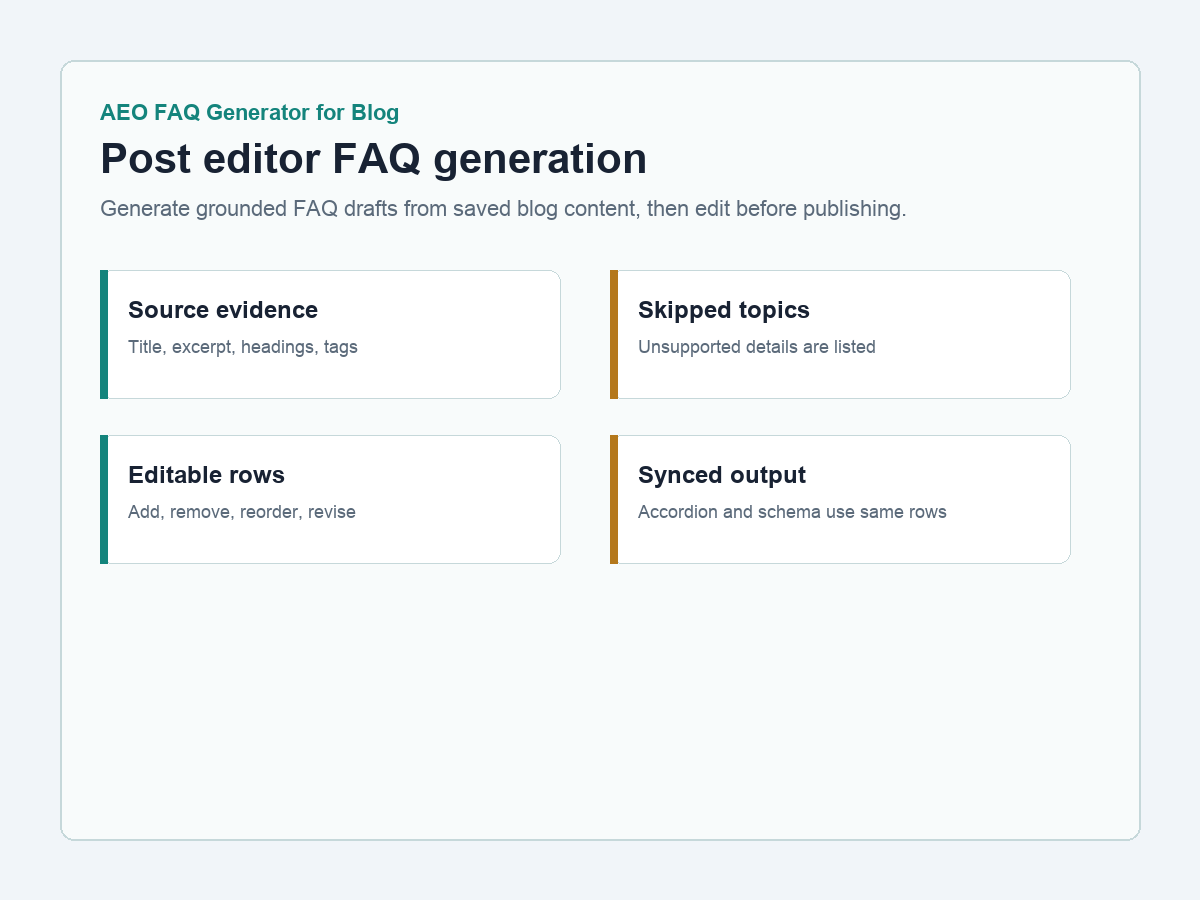
Use the post itself as the source.
Drafts come from the title, excerpt, content, headings, categories, tags, and supported metadata already saved in WordPress.
Skip unsupported topics.
If an answer is not supported by the article, the generator leaves it out instead of inventing a polished but risky claim.
Review every FAQ row.
Admins can edit, add, remove, and reorder rows before publishing. Drafts become site content only when you save them.
Publish one answer source.
The public accordion and FAQPage JSON-LD use the same saved answers, so structured data stays aligned with what visitors read.
Add Pro only when the library grows.
Bulk generation, templates, CSV import/export, and plan-controlled batch automation are available in the separate paid add-on.
Built for blogs, tutorials, publishers, and knowledgebases.
This is a separate content-focused plugin. It works with posts, pages, and public custom post types, not store products or catalog data.
Creates article-specific FAQ rows from saved WordPress fields and metadata.
Shows clean FAQ sections on enabled public content types so readers can inspect the answers.
Outputs JSON-LD from the same saved visible answers to avoid schema drift.
Place FAQs automatically or manually with a shortcode on custom article layouts.
Reuse author, disclosure, newsletter, support, or editorial-policy answers across articles.
Track saved FAQ count, content with FAQs, schema status, shortcode, and plugin version.
Answer-ready content without loose claims.
Use it to make existing articles easier for humans and AI search systems to understand, while keeping editorial review in the WordPress admin.
Rank better in AI search
Structured, visible answers make article content easier to parse, summarize, and cite.
Keep answers honest
Unsupported topics are skipped, so the FAQ section does not outrun the article evidence.
Reduce schema cleanup
The same saved rows power the visible FAQ and the FAQPage JSON-LD output.
Improve content audits
Dashboard counters make it easier to see which content items already have FAQs.
Reuse sitewide answers
Global FAQs keep common editorial notes consistent across many articles.
Scale when needed
Pro adds licensed bulk runs, templates, CSV tools, and larger batch automation without replacing Free.
Start free. Add Pro for automation, not basics.
Free includes the complete manual FAQ workflow with no built-in content quota. Pro is a separate add-on for sites that need licensed batch operations, templates, and CSV tools.
Free plugin
For bloggers and content sites publishing FAQs manually from inside the WordPress editor.
- Unlimited manual content items
- No built-in FAQ-row quota
- Unlimited global FAQs
- Visible accordion and FAQPage JSON-LD
- No external service calls
Pro add-on
For publishers, affiliate sites, tutorials, and knowledgebases scaling FAQ coverage across a larger library.
- 150, 500, or unlimited bulk-processed items by plan
- Bulk generation across enabled public content types
- Category/topic templates
- CSV export/import
- Plan status, renewal/expiry, last checked, usage, and fallback details
Paid plans start at $0.99 and max out at $9.99.
Every plan preserves grounded FAQ drafting and synced schema. Paid tiers increase Pro bulk-processing coverage and batch size.
Free
$0For publishing FAQ sections manually on any content site.
- Unlimited manual content items
- No built-in FAQ-row quota
- Unlimited global FAQs
- Local generation
Starter
$0.99/moFor small blogs starting batch FAQ coverage and topic templates.
- 150 bulk-processed items per month
- Category/topic templates
- 25-item bulk runs
- CSV export/import
Growth
$4.99/moFor publishers and affiliate sites scaling answer-ready articles.
- 500 bulk-processed items per month
- Unlimited topic templates
- 100-item bulk runs
- CSV export/import
Pro
$9.99/moFor high-volume content teams and knowledgebase operators.
- Unlimited bulk-processed items
- All enabled public content types
- 500-item bulk runs
- Unlimited topic templates
Simple install path for writers and site owners.
Install Free first, publish article FAQs, then add Pro only when your content library needs licensed bulk automation.
Upload or install the free plugin, then open the AEO FAQ Blog dashboard.
Open an enabled content item, draft grounded FAQ rows, and edit them before saving.
Show the visible accordion and enable FAQPage JSON-LD from the same answers.
Unlock bulk runs, topic templates, CSV workflows, and larger batch automation.
Useful answers before installing.
Free and Pro are separate plugins. If a paid license becomes inactive, Pro workflows fall back to Free mode while saved FAQ data stays in place.
How many content items can use FAQs on the Free plan?
Free has no built-in content, FAQ-row, or global-FAQ quota. Use the manual workflow across every enabled public content type.
Does Free call an external AI API?
No. The Free plugin generates drafts locally from saved WordPress content and does not send article content to an external service.
Which content types are supported?
The plugin automatically supports posts, pages, and public custom post types with an admin editor. It is built for blogs, tutorials, affiliate content, publishing sites, and knowledgebases.
How does the schema stay accurate?
FAQPage JSON-LD is generated from the same saved visible FAQ answers, so the schema matches what visitors can read.
What happens if a Pro license is inactive?
Pro-only workflows are hidden or disabled, all Free features remain available, and saved FAQs, templates, and imported data are preserved.
How do I get a paid plan?
Use a pricing button to request Starter, Growth, or Pro. Secure payment and license delivery happen outside the plugin code.
Install the WordPress.org-safe Free plugin first.
The Free package includes public-content FAQ generation, editable rows, accordion display, shortcode support, global FAQs, dashboard stats, and synced FAQPage schema.
Landing 1.0.12 / Free 1.0.5 / Pro 1.0.2